How Much Screen Time Is Okay After School? A Parent's Guide for 2026

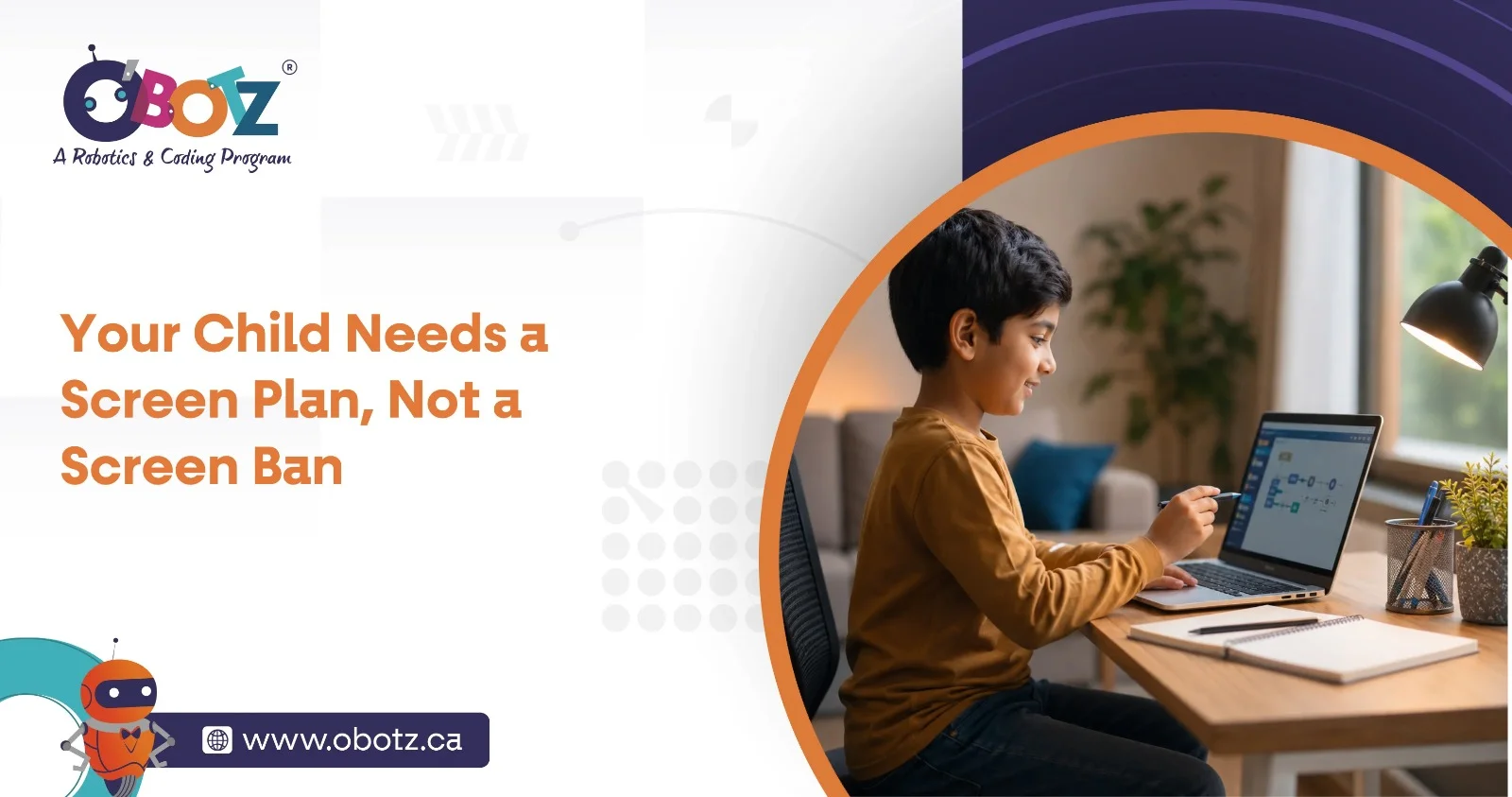
School ends. Your child comes home, grabs a snack and reaches for a tablet, computer, gaming console or phone. For parents, this can trigger an immediate question: Haven’t they already had enough screens today?
The answer is more nuanced than simply counting minutes.
In 2026, screens are used for homework, communication, creativity, coding, entertainment and even building things in robotics programs. That means healthy screen habits are increasingly about both quantity and quality.
At OBotz, technology is treated as a tool children can use to create, experiment and solve problems rather than something they simply consume. For parents wondering how much screen time is okay for kids after school, understanding this difference is a useful place to start.
There is no universal number that perfectly fits every child. Age, sleep, physical activity, school requirements, family routines and what the child is actually doing online all matter.
For younger children, recommendations remain relatively specific. The Canadian Paediatric Society recommends that routine or sedentary screen time for children ages 2 to 5 be limited to about one hour or less per day.
For school-aged children and youth, Canadian guidance recommends no more than two hours of recreational screen time per day as part of a healthy 24-hour routine. The Canadian Paediatric Society also emphasizes prioritizing sleep, face-to-face interaction and physical activity, while favouring educational, active and social screen experiences over passive ones.
So, when parents search for screen time guidelines 2026 or recommended screen time limits for children 2026, it is important to notice the word recreational. An hour spent endlessly scrolling through short videos is not necessarily equivalent to an hour spent designing, coding or collaborating on a project.

Consider two children who each spend an hour on a laptop.
One watches a continuous stream of recommended videos. The other programs a simple game, tests why something is not working, changes the code and tries again.
Both technically spent an hour looking at a screen. Their experiences, however, were very different.
This is why understanding recreational vs educational screen time matters. High-quality digital activities can involve problem-solving, creativity, communication and active decision-making.
If you have wondered, “Is educational screen time different from entertainment screen time?”, the answer is that the quality and context of screen use can differ considerably. That does not mean educational screen time should be unlimited. Children still need movement, sleep, offline friendships, imaginative play and downtime.
The goal is balance, not giving every educational activity a free pass.
Instead of treating the following as rigid timers, parents can use screen time limits by age alongside the child’s overall daily routine.
Under age 2: Routine screen exposure is generally discouraged, apart from situations such as video-chatting with caring adults.
Ages 2–5: The Canadian Paediatric Society recommends about one hour or less of routine or sedentary screen time daily, with parents prioritizing age-appropriate content and shared experiences.
Ages 5–17: Canadian 24-Hour Movement Guidelines recommend no more than two hours of recreational screen time daily. Children and youth should also accumulate at least 60 minutes of moderate-to-vigorous physical activity each day.
For older children especially, a useful kids screen time guide should look beyond the stopwatch. Ask whether technology is interfering with sleep, schoolwork, physical activity, family interaction or offline friendships.
Instead of only asking, “How long have you been online?”, try asking:
“What did you do online today?”
That small change reveals much more.
Passive screen consumption is designed primarily around watching, scrolling or consuming. Productive screen use asks the child to participate, think, create or solve something.
For example, children learning through a structured coding program for kids may use computers to understand sequences, debug errors and turn an idea into something functional.
Likewise, robotics as an after-school learning activity can combine digital tools with hands-on building, experimentation and teamwork.
This distinction is especially relevant as children prepare for a technology-rich future. Skills such as critical thinking, adaptability and problem-solving are becoming increasingly important, as explored in OBotz’s guide to the skills kids need in an AI world.
Yes, when the experience is active, purposeful and appropriately balanced.
Coding is not simply watching something happen on a monitor. A child may have to break a problem into smaller steps, predict an outcome, test an idea, identify an error and revise the solution.
Robotics can go even further by connecting digital thinking with physical activity. Children may build a structure, connect components, program behaviour, observe what happens and make changes.
This is one reason balancing screen time and activities is more useful than treating every screen-based experience as identical.
The key is that even valuable digital learning should not replace everything else.
A child who loves robotics still needs to run. A child fascinated by coding still needs conversations, imaginative play, hobbies and unstructured time.
The World Health Organization recommends that children ages 5–17 get at least 60 minutes of moderate-to-vigorous physical activity daily.
Offline play also gives children experiences that screens cannot fully reproduce: negotiating the rules of a game, inventing something out of random materials, climbing, drawing, building and simply being bored long enough to create their own entertainment.
Read more about the importance of play in well-rounded child development to understand why free play deserves a permanent place in a busy after-school schedule.

Parents do not necessarily need stricter rules. They need clearer routines.
1. Separate required and recreational use.
Homework, coding practice and school research should not automatically be placed in the same category as entertainment scrolling.
2. Create screen-free anchors.
Meals, family conversations and the hour before bedtime are useful opportunities to disconnect. The Canadian Paediatric Society specifically recommends screen-free family times and avoiding screens for at least one hour before bed.
3. Encourage creation before consumption.
If your child loves technology, introduce activities where they build, code, design, research or solve.
4. Break long sitting periods.
Encourage children to move, stretch, play outdoors or switch to a hands-on activity between digital sessions.
5. Model the behaviour yourself.
Rules become difficult to defend when parents constantly check their own phones at dinner.
6. Teach digital safety alongside limits.
Healthy technology use also includes understanding privacy, appropriate online behaviour and digital risks. Parents can explore these online security tips for young coders and learn how Canadian parents can talk to kids about AI.
If your goal is reducing passive screen time, suddenly confiscating devices every afternoon may create unnecessary conflict.
Instead, change what happens immediately after school.
Create a predictable sequence such as snack, downtime, homework, outdoor movement, extracurricular activity and then a defined entertainment window. When children know recreational screen time has a place in the routine, stopping can become easier.
Offer appealing alternatives too: LEGO building, sports, crafts, puzzles, board games, reading, music, science experiments, robotics projects or simply meeting friends outside.
The objective is not to make screens forbidden. It is to make sure they are not the automatic answer to every free moment.
Even if your child appears to be within suggested limits, pay attention to behaviour.
The Canadian Paediatric Society identifies warning signs such as unhappiness without technology, strong opposition to limits, and screen use interfering with sleep, school, physical activity or face-to-face interactions.
That is why healthy screen habits for kids cannot be measured with a timer alone.
If your child consistently loses sleep, abandons hobbies, avoids friends or becomes unable to disengage from a device, the overall pattern deserves attention.
So, how much screen time is okay for kids 2026?
For school-aged children, keeping recreational screen use within the commonly recommended two-hour daily range is a useful benchmark, but it should not be the only measure parents use.
A healthier approach to screen time after school asks what screens are replacing and what children are gaining from them.
Did your child move today? Sleep enough? Talk to people face-to-face? Play? Create something? Learn something? Spend time away from a device?
If the answers are mostly yes, technology can have a productive place in childhood.
At OBotz, children learn to move beyond simply consuming technology and begin exploring how it works through coding, robotics and hands-on problem-solving.
Rather than asking children to stop being interested in technology, help them become creators of it. Book an OBotz experience and discover how structured STEM learning can turn digital curiosity into problem-solving, creativity and confidence.
For children ages 5–17, Canadian guidelines recommend no more than two hours of recreational screen time per day. Parents should also consider school-related screen exposure, sleep, exercise and the quality of digital activities.
Educational screen time has a purposeful learning component, such as coding, research or guided skill-building, while recreational screen time primarily involves entertainment. Both should exist within a balanced daily routine.
Canadian guidance recommends minimizing screens for very young children, limiting routine screen time for ages 2–5 to about one hour or less daily, and keeping recreational screen time for ages 5–17 to no more than two hours daily.
Yes. Structured coding and robotics can involve active problem-solving, creativity, experimentation and collaboration rather than passive consumption.
Create predictable device-free periods and replace passive scrolling with outdoor play, hobbies, reading, hands-on projects or structured extracurricular activities.
Sports, outdoor play, crafts, music, reading, board games, puzzles, building projects and hands-on STEM activities can all provide engaging alternatives.
The context matters more than simply labelling an activity “good” or “bad.” Purposeful coding can encourage creation and problem-solving, while passive or excessive digital consumption is more likely to displace movement, sleep and offline activities.